Client Delivery
Agile project software
Agile software is useful when it helps a team choose work, limit overload and learn from delivery. A board alone does not establish a good process. Choose tools …

Desk
Looks at task workflows, time tracking and reporting for teams running client and internal projects.
Client Delivery
Agile software is useful when it helps a team choose work, limit overload and learn from delivery. A board alone does not establish a good process. Choose tools …
Client Delivery
Create a client progress report covering delivered work, next milestones, approved changes and decisions.
Client Delivery
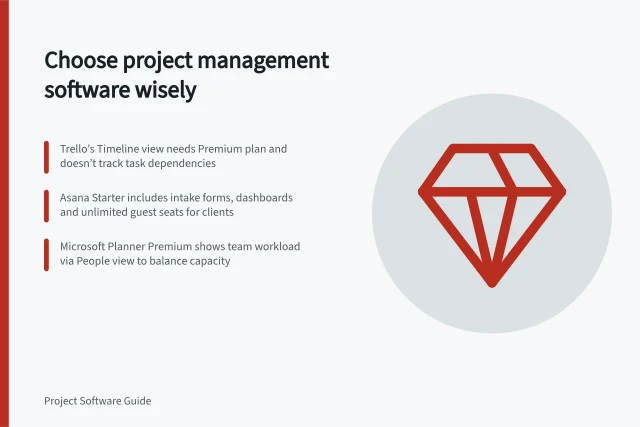
Define what your team needs, compare board and scheduling capabilities, and assess shortlisted project management software against real work.
Client Delivery
Compare billable time features through entries, rates, approvals and invoice preparation, with documented limits for Harvest, Teamwork.com and Clockify.
Client Delivery
Compare client guest roles, permissions and seat rules in Teamwork.com, monday.com and ClickUp.
Platform Switching
Compare one-way and two-way project data integrations by field ownership, editing rights, conflict handling and documented product limits.
Budgets & Time
Compare baseline, forecast and actual delivery dates using the same completion rule, and identify which baseline a variance uses.
Budgets & Time
Compare approved hour estimates with recorded time and a fresh remaining-effort forecast using consistent work packages and counting rules.
Client Delivery
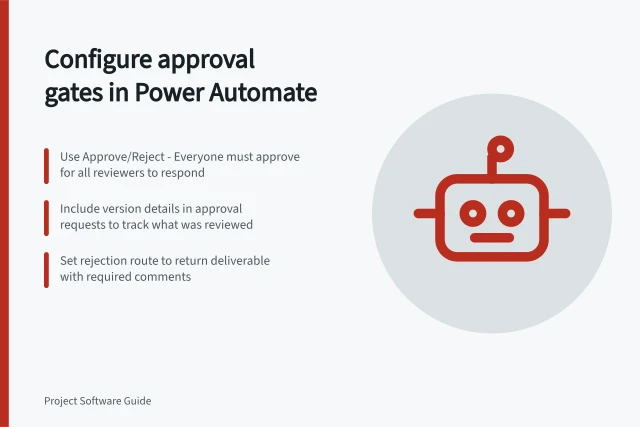
An approval gate should stop a deliverable at the point where a named person must accept a specific version.
Platform Switching
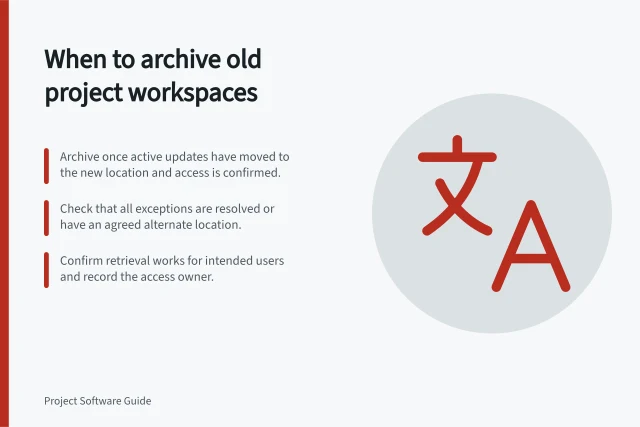
Use cutover, exception and retrieval checks to decide whether an old project workspace is ready to archive.
Client Delivery
Define task statuses around observable handoffs, not every mood of a project.
Platform Switching
Check which task comments, files and archived records an export contains before retiring an old project workspace.
Client Delivery
Find the applicable project deliverable by checking its identity, version, approval outcome and reader access.
Client Delivery
Prepare a client project view, check item permissions and inspect reports before sharing internal work.
Client Delivery
Map task owners before import, test awkward records, reconcile exceptions and set a clear cutover for live project work.
Client Delivery
Track proposed project changes, their impact, decisions and implementation in a log connected to the current plan.
Client Delivery
Record a project decision, identify affected tasks and confirm that each owner has the current instruction.
Platform Switching
Preserve the meaning of open, waiting, review and completed work when mapping task statuses during a platform migration.
Client Delivery
Define the eligible group, check meaningful project actions, investigate gaps and choose corrections after the first month.
Client Delivery
Build a cross-project blocker view with consistent definitions, affected deliverables, owners, next actions and date effects.
Client Delivery
Prevent abandoned tasks by giving every open item an owner, a next review point and a clear closure reason.
Client Delivery
Compare project automation features for handoffs, alerts and recurring work, including rule scope, plan limits and checks before rollout.
Budgets & Time
Connect project budgets with recorded hours, internal costs and a current estimate of remaining work so likely overruns become visible early.
Client Delivery
Organise project plans, decisions, assumptions, changes and deliverables so teams can find the current instruction and its history.
Client Delivery
Build project reports that distinguish accepted deliverables, later outcomes, baseline dates, forecasts and blockers.
Client Delivery
Plan a project software rollout around usable work records, reconciled migration, a bounded pilot, clear cutovers and early support.
Client Delivery
Identify the unconfirmed conditions behind a milestone decision, assign checks and show reviewers the effect of uncertainty.
Client Delivery
Separate task activity, accepted deliverables and observed outcomes so a project report claims only what its evidence supports.
Client Delivery
Review project, board, task and file visibility before placing confidential work in project software.
Client Delivery
Audit recurring project tasks for duplicate work, stale owners and the wrong cadence, then decide what to keep, change or stop.
Platform Switching
Choose a representative completed project, compare source and destination records, and decide whether the transfer route is ready for active work.
Client Delivery
Use separate records for planned work, present problems and uncertain future events.
Capacity Planning
Create a common reporting core, optional modules and team-specific steps without imposing one project method on everyone.
Platform Switching
Plan a project platform switch, check what transfers, trial the route, reconcile active work and decide when to archive the old workspace.
Client Delivery
A useful task and issue workflow shows what needs doing, who owns the next action and what would make the work complete.
Platform Switching
Decide when a task board is enough and when your team needs dependencies, resource views or project-level planning.
Client Delivery
Use controlled cases, activity records and a clear correction path to check a project workflow rule before wider use.
Client Delivery
Record client change requests, assess their effects and keep approved scope distinct from proposed work.