Budgets & Time
Part of Project budgets and time tracking
Comparing project estimates with recorded time
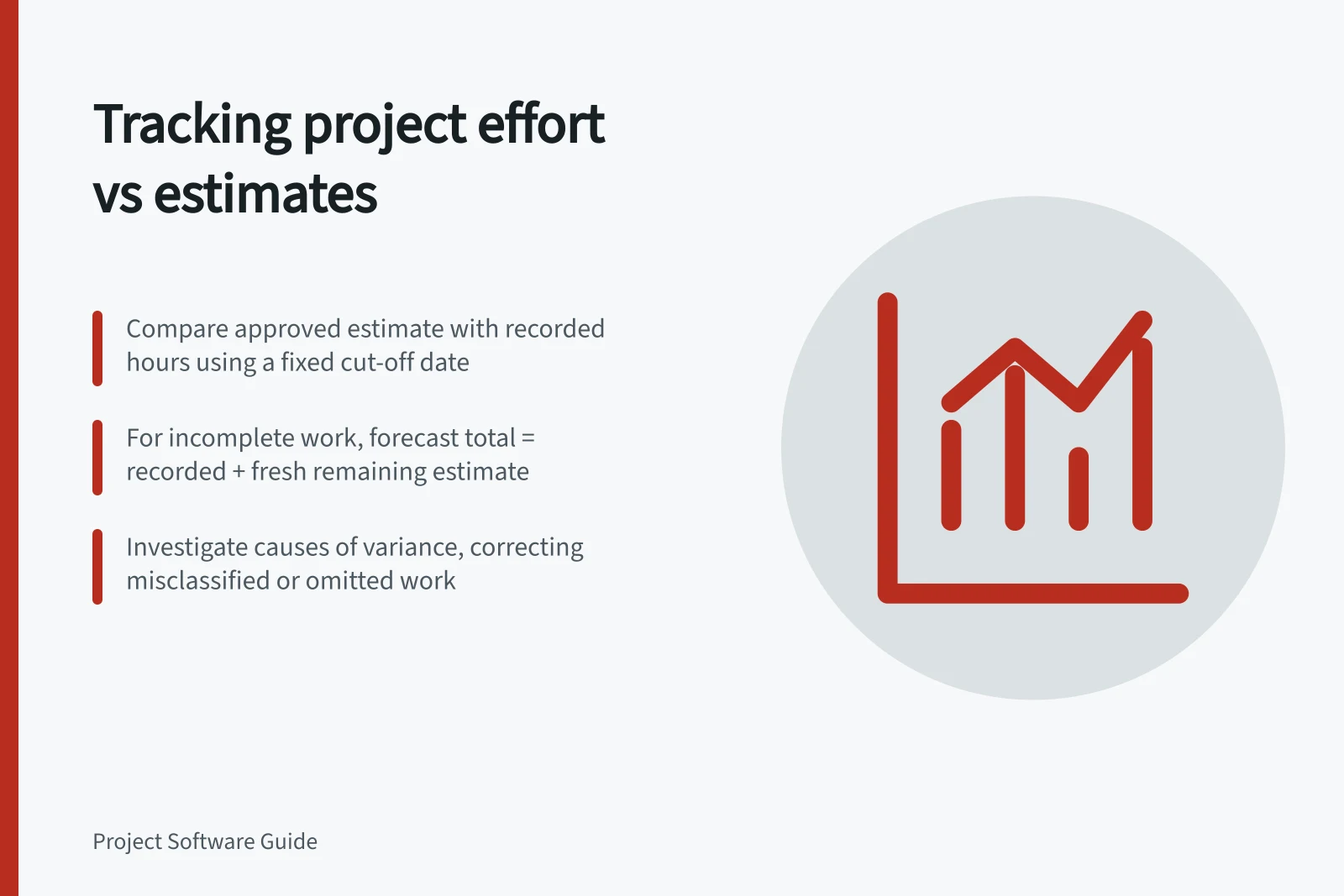
Compare approved hour estimates with recorded time and a fresh remaining-effort forecast using consistent work packages and counting rules.
Compare estimated and recorded time for the same work and period, then ask how much effort remains. The difference between an estimate and logged hours describes a completed work package. For unfinished work, logged hours alone cannot show whether the estimate will hold.
Set a stable comparison
Choose the approved estimate version and its work-package definitions. Match time entries to those packages, including review, rework and project-specific meetings where the estimate covered them.
State whether the estimate includes all effort or only billable work. Counting non-billable hours on one side but not the other makes the variance misleading.
Use a cut-off date and check for entries still waiting to be recorded or corrected. Keep approved additional scope identifiable rather than silently enlarging the original estimate. Show an authorised revised estimate where relevant while retaining the earlier version.
Record for each work package / Why it matters
- Original and approved revised estimates
- Identifies the plan being tested
- Hours recorded to the cut-off
- Shows effort already used
- Fresh estimate of hours remaining
- Shows effort still expected
- Completion or acceptance state
- Prevents partial work from looking finished
- Cause of a material difference
- Supports a decision
Forecast unfinished work
For completed work, subtract the applicable estimate from recorded hours. A positive result means more effort was used than estimated.
For open work, add recorded hours to a fresh estimate of remaining hours and compare that forecast total with the approved estimate. Do not assume that remaining effort equals the original allowance less logged time.
Here is a hypothetical snapshot, with all figures in hours and no scope change:
| Work package | Approved estimate | Recorded | Estimated remaining | Forecast total |
|---|---|---|---|---|
| Discovery, complete | 12 | 14 | 0 | 14 |
| Design, in progress | 30 | 18 | 18 | 36 |
| Build, not started | 40 | 0 | 40 | 40 |
| Project total | 82 | 32 | 58 | 90 |
The forecast is eight hours above the 82-hour estimate: two in discovery and six in design. Build retains its 40-hour estimate because no new information has changed it. The 90-hour figure is a forecast, not a measured final result.
Investigate the difference
Inspect entries before assigning a cause. Were hours charged to the wrong package? Did the estimate omit a review cycle? Was work repeated after a failed check? Did an approved request add scope?
Correct classification errors and keep additional work separate from estimating error.
A package with few logged hours may also be waiting for an input. Its effort estimate can remain sound while the delivery date is at risk. This comparison concerns effort; scheduling and staff capacity need separate checks.
Check the software's counting rules
Ask whether the product can keep the approved estimate visible, show actual hours by the same work package and capture a fresh remaining estimate without obscuring history. Check how it treats unestimated work and non-billable entries.
At each review, record the estimate version, cut-off, logged hours, remaining estimate and cause of material movement.