Budgets & Time
Part of Project software costs and permissions
Negotiating a renewal after team size changes
Reconcile users and seats, compare next-term options and confirm when a smaller project software order takes effect.
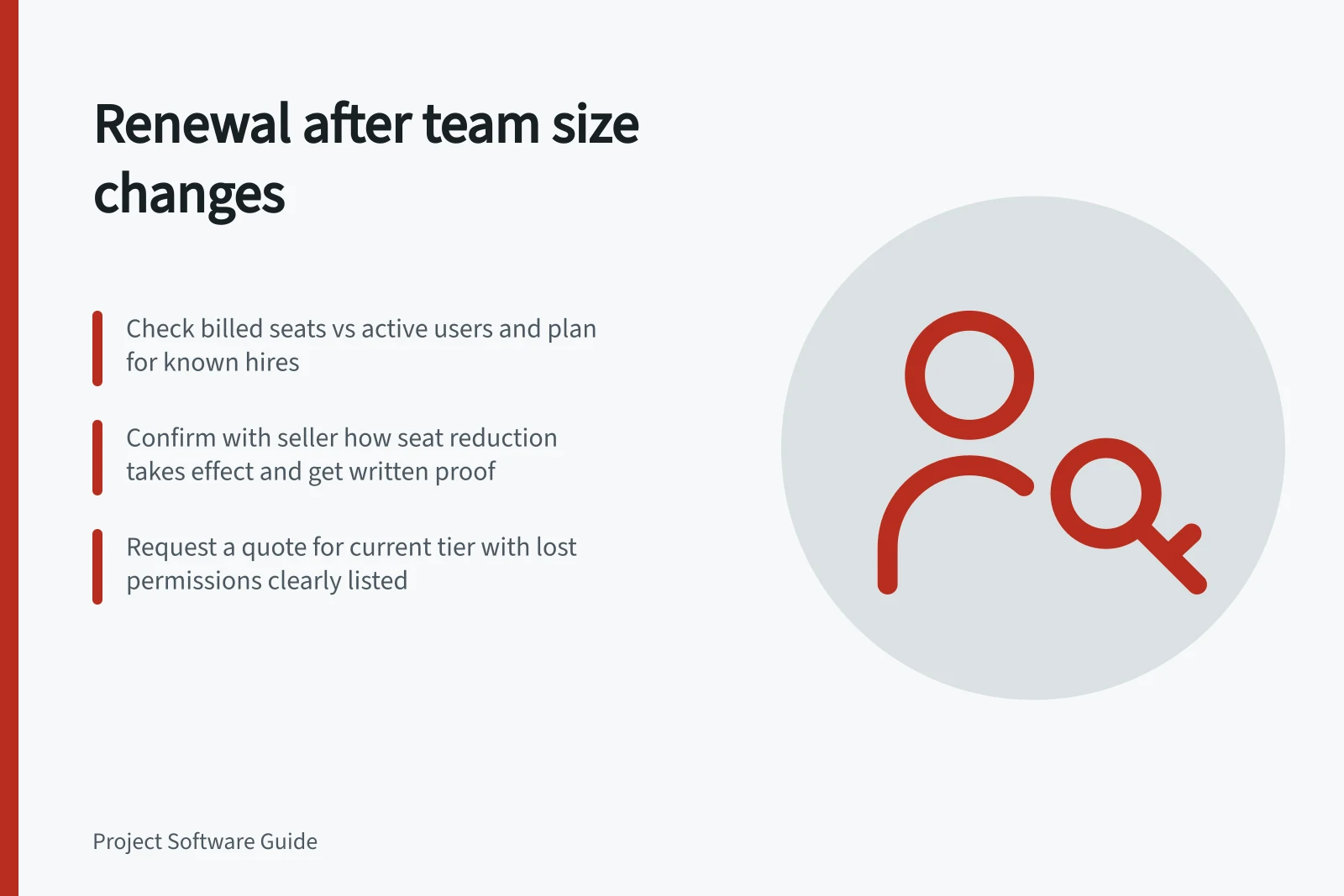
Begin the renewal with a reconciled access roster and a written request: seats needed for the next term, the tier and controls to retain, the effective date and an itemised quote. Check whether removing a user changes the current bill, and ask the seller to confirm. Lowering the tier may remove a control the smaller team still needs.
Establish the next-term requirement
Gather the order, invoices, renewal date, billing cycle and add-ons. Compare billed seats with active users, open seats and known hires. For each departing or changing user, identify work, assignments and private records that need a new owner before access changes. Keep the feature decision separate from the headcount decision.
Write down three figures: seats billed now, seats required for the next term and an allowance for known near-term additions. State the roles behind each figure. Check whether an eligible viewer can meet a reader’s needs, but do not relabel someone who must contribute merely to lower the quote.
Check the timing rule
For monday.com, confirm with the seller how to schedule a lower seat count, which users or guests count towards it, and when it takes effect. Get written confirmation of the scheduled change.
For ClickUp, confirm with the seller how removing a paid user affects the seat count and when any reduction takes effect.
Before access changes, check ownership and access needs, and arrange for work to have a new owner where needed. Confirm the renewal billing details with the seller.
For Asana, ask for written confirmation of the next-term seat quantity and tier under the existing agreement.
Check the signed order for the contracted seat quantity and change date before agreeing to the revised renewal.
Billing impact across platforms when reducing team size
- monday.comConfirm scheduled seat reduction, user/guest counting rules, and effective date. Get written confirmation.
- ClickUpVerify how removing a paid user affects seat count and when reduction takes effect.
- AsanaRequest written confirmation of next-term seat quantity and tier under existing agreement.
Request comparable options
Ask the seller for the smaller team on its current tier. If a lower tier is plausible, request a second quote for the same roster with the lost permissions, storage or automation allowance identified. Compare the full term in the agreement’s currency, including add-ons and applicable taxes or credits. Ask when a seat increase during the term would change the charge.
Have the billing owner match the revised order to the roster and the account before the deadline. Record when the seat change should appear and who will check the first invoice of the new term. Keep the seller’s written confirmation with the renewal record.