Budgets & Time
Project software costs and permissions
Assess project software seats, restricted access, usage allowances and renewal timing together before choosing a plan.
Price project software against the access your team needs. Count who must edit, comment and read; identify restricted work; then check which plan supplies those roles, controls and usage allowances. A low seat count is useful only if people can work without seeing material they should not see.
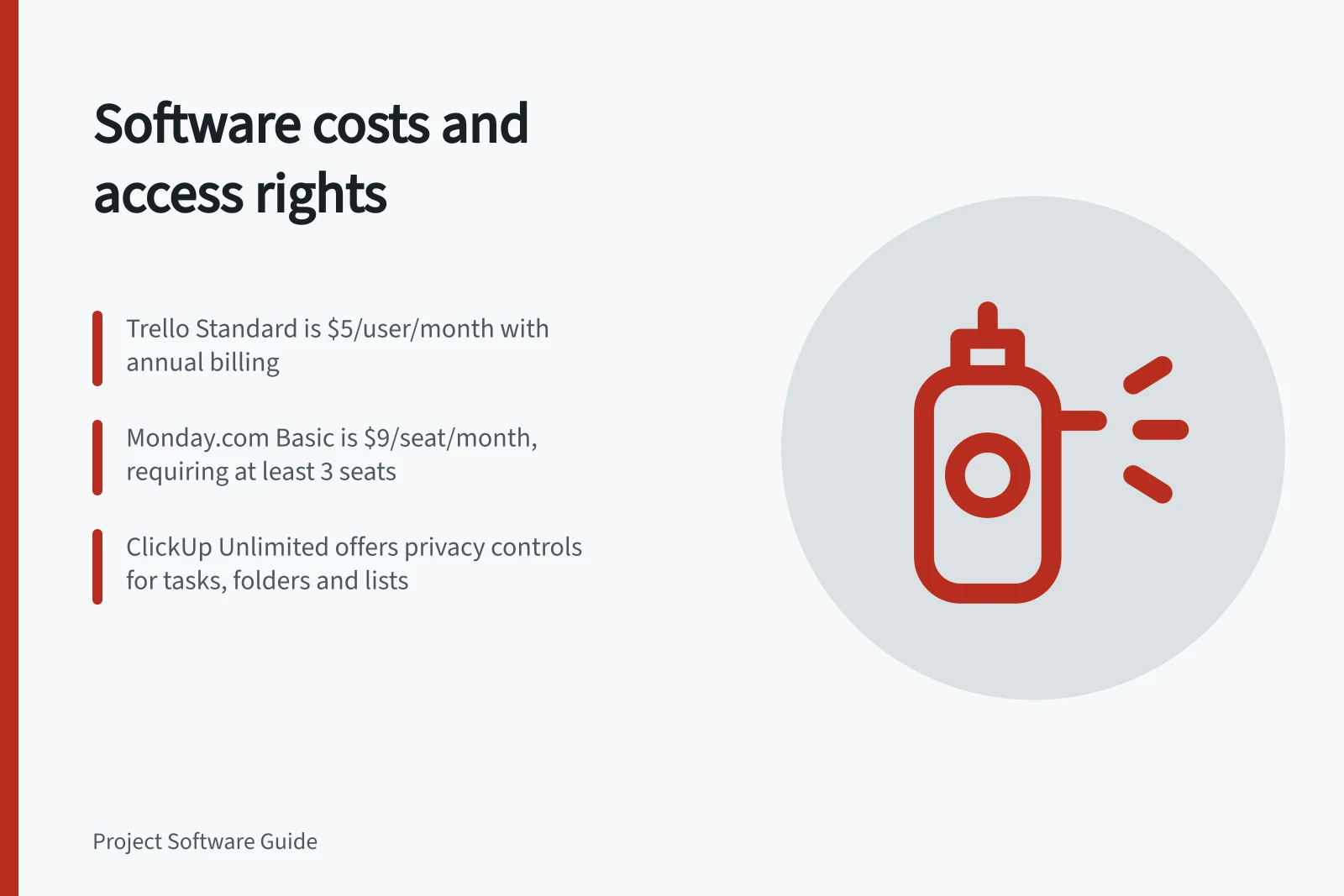
Project-management plans range from free basic tiers to $4–$50+ per user/month, with some advanced or enterprise plans at $100+ per user/month. Examples include GoodDay Professional ($4) and Business ($7) per user/month, Trello Standard ($5), ClickUp Unlimited ($7), monday.com Basic ($9/seat) and Asana Starter ($10.99/user).
These figures do not state currency or GST treatment, so treat them as comparisons rather than Australian-dollar quotes. Trello Standard, ClickUp Unlimited, monday.com Basic and Asana Starter are listed with annual billing; monday.com paid plans require at least 3 seats, and Asana does not sell a one-user paid plan. Ask for an Australian quote that states the currency and shows whether GST is included or excluded.
Start with people and work
Make a roster for a typical month and a busy month. For each person, record the action they need, the projects they must reach and when access should end. Include administrators, contributors, internal readers and external collaborators.
For each person, record whether they need to edit, comment or read rather than relying on a role label. Check how the vendor defines guest, viewer and other user types, and whether each role is billable on the intended account. The listed prices do not map each vendor’s roles to actions or establish whether guest or viewer access is free or billable.
monday.com Standard is listed at $12/seat/month, compared with Basic at $9/seat/month; Standard adds project-management capabilities. Compare the tier that supplies the required access and usage, not just the lowest starting price.
Other listed tiers are Trello Premium ($10/user/month) and Enterprise (from $17.50/user/month), ClickUp Business ($12/user/month), and Asana Advanced (about $24.99/user/month). Currency and GST treatment are not stated for these figures either.
Free-plan allowances also differ: GoodDay Free supports up to 15 users with unlimited tasks and projects; Trello Free has unlimited cards and 10 boards; monday.com Free supports up to 2 users; ClickUp Free includes 100MB storage. Asana Free is for individuals and very small teams.
Cost question / Access question
- How many seats will the roles use?
- Can each person take the required action?
- Will guests or viewers affect the bill?
- Which work can they see?
- Is a higher tier needed?
- Does it supply the required restriction?
- Will usage exceed an allowance?
- What happens when the allowance is reached?
Confirm the roles available for the intended account before estimating seats. Treat labels such as guest and viewer as prompts to verify permitted actions and billing, not as proof of read-only or free access.
Pros and cons of guest and viewer access in project tools (Australia)
- ProsEnable external collaboration without full licence cost; useful for contractors or clients
- ConsMay be billable depending on vendor; unclear access levels may lead to data exposure; hard to track usage
Price the required boundary
List the projects and fields that need limited access. Check controls on the proposed tier, including who can invite people and what happens when work is shared or moved. Confirm which privacy and viewing controls are available on the proposed plan.
ClickUp has privacy controls for Spaces, Folders, Subfolders, Lists and tasks. Test the relevant object and verify who can see it in the proposed setup; a private label or plan name alone does not establish who can see configured work.
Ask a seller to demonstrate the intended roles and restricted access on a sample project. Record the tier and settings shown.
Pre-purchase verification checklist for project software in Australia
- Confirm roles: guest, viewer, contributor, adminVerify actions allowed per role; check if guest access is billable
- Test privacy controls for Spaces, Folders, Lists and TasksEnsure private labels restrict access as intended
- Request a demo of restricted accessObserve actual visibility and permissions in a sample project
- Check storage and automation limitsConfirm allowance and consequences of exceeding it on paid plans
- Review activity log retentionEnsure records meet compliance needs; keep separate decision record if not
Include capacity and renewal timing
Record expected attachment volume, the changes the team needs to retrieve and likely automation actions in a busy month. Check the applicable storage and automation limits for the intended plan. Get the actual allowance and what happens when it is reached before estimating usage fit.
The 100MB ClickUp Free figure does not establish the storage allowance for Unlimited or Business. No automation-action allowance is stated for a named paid plan, so do not assume a Free-plan limit applies to a paid tier.
Test whether the activity log preserves the records the team needs. Keep a separate decision record if it does not.
Compare candidates over the same billing term using the proposed roster, tier, add-ons, usage and quoted currency. Total cost can also reflect billable seats, add-ons or AI, integrations, implementation, duplicated tools and unused licences. Obtain an itemised quote and check the account’s billing terms, including GST treatment.
Before renewal, reconcile billed seats with active users and upcoming work. Confirm how deactivation, removing a paid user, seat reuse, seat changes and renewal timing affect the actual account’s billing terms before changing the order. Annual billing labels do not state auto-renewal, notice periods, cancellation windows or refund terms; confirm those terms for the account.
In this guide
- Reviewing permission controls for confidential projectsReview project, board, task and file visibility before placing confidential work in project software.
- Negotiating a renewal after team size changesReconcile users and seats, compare next-term options and confirm when a smaller project software order takes effect.