Client Delivery
Project automation features
Compare project automation features for handoffs, alerts and recurring work, including rule scope, plan limits and checks before rollout.
Project automation helps when a repeatable event has a clear next action: a task reaches review, a deadline approaches or routine work needs creating. Assess a feature by following that action through the people and records it affects. A rule that saves a click but assigns the wrong person or hides a missed handover creates more work.
What a useful rule needs
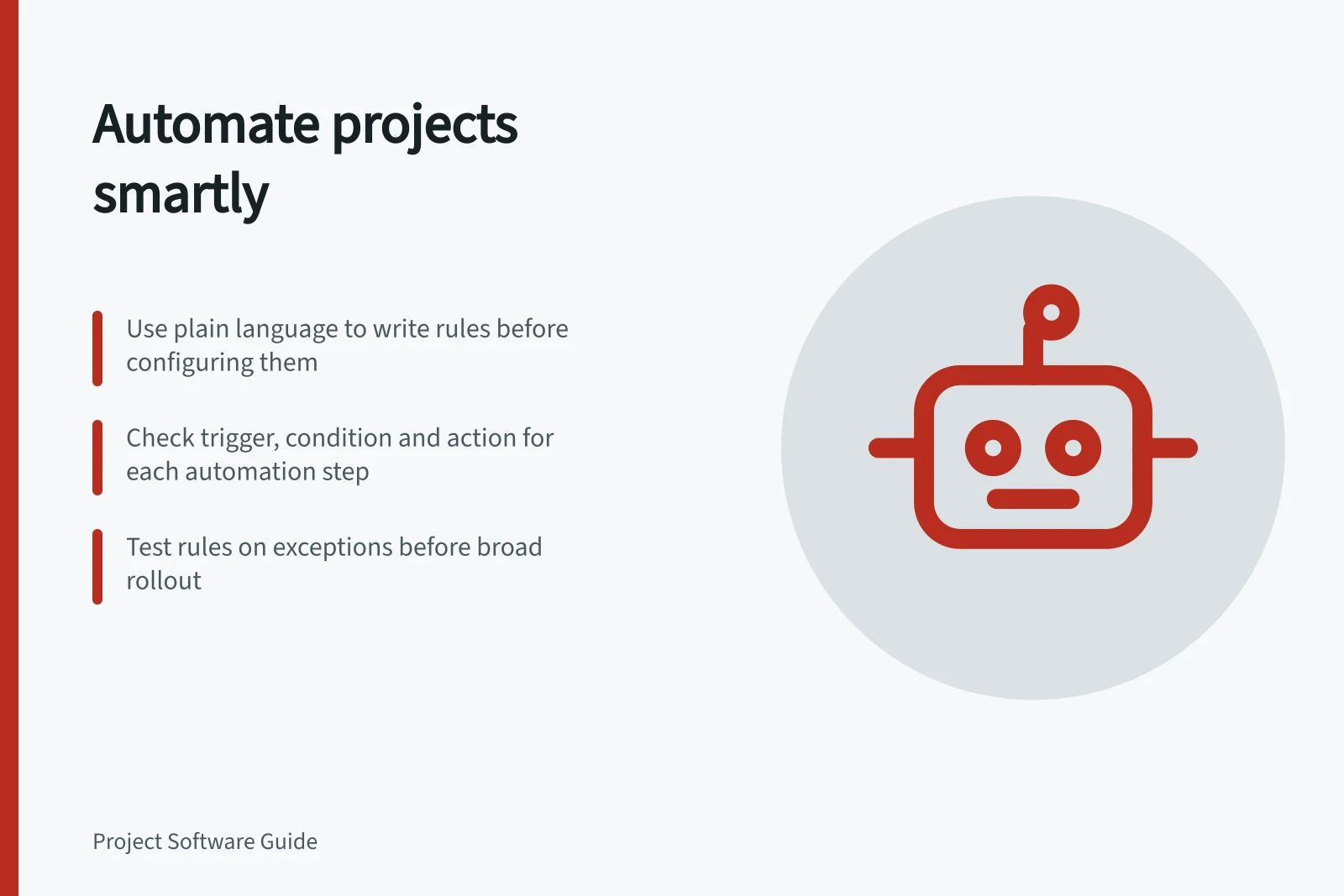
Most project rules have a trigger, an optional condition and an action. For example: when a task enters “Ready for review”, and its reviewer field is filled, notify that reviewer. Write the rule in plain language before configuring it. Name who owns the rule and who will act on its result.
| Boundary | Question to settle |
|---|---|
| Scope | Which projects, boards, tasks or subtasks can trigger it? |
| Ownership | Does the action add a collaborator, replace an assignee or create a separate task? |
| Timing | Does it run on a status change, at a scheduled time or relative to a date? |
| Exception | What happens when a field is blank, work is cancelled or the recipient is unavailable? |
A notification is a prompt, not evidence that its recipient accepted the work. A due-date reminder reports a date condition; it does not calculate whether a milestone remains achievable.
Match the feature to the work
Handoffs: Act on one agreed transition and leave the next owner and action visible. If separate review work is needed, connect the new task to its source and check whether a template or another rule also creates it.
Risk prompts: Define an observable signal, such as an incomplete prerequisite at its review point. Alert someone who can investigate or decide, and identify the affected milestone. A date reminder alone should not be labelled a risk forecast.
Recurring work: Choose whether the next instance follows a fixed schedule or the completion of the previous one. Review copied owners, subtasks and dates, and set a reason to stop the recurrence.
Rule testing: Check an ordinary item and exceptions before widening the rule’s scope. Inspect the resulting records and recipients, and keep a way to disable the rule and correct affected work.
Trello features and account checks
Trello — card and board actions. Trello offers rules, scheduled and due-date automations, and buttons a person presses. It suits workflows based on visible card events or a controlled manual start.
Plan entitlements and automation allowances vary. Check the current plan documentation and the available allowance before relying on a busy rule.
monday.com — recipe and action limits. monday.com documents how to get started with automations separately from automation and integration pricing and action limits. Compare the proposed recipe with the relevant action limits before making it essential to delivery.
ClickUp — trigger and action availability. ClickUp documents automation triggers and actions separately, alongside feature availability and limits. Check that the required trigger and action are available and within those limits, then test the resulting records and assignment behaviour before relying on the rule for a handoff.
Compare trigger and control behaviour
Trello’s custom automation builder groups features as Rule, Scheduled, Due Date, Card button and Board button. This makes trigger type a useful comparison point: a rule responds to an event, while a button starts only when someone presses it. Buttons are not shared with other people by default, so check who can use a manual control.
Trello rules, scheduled automations and due-date automations can be triggered by other people’s actions as well as your own. A rule runs each time its trigger occurs, so assess whether the event could repeat and whether the resulting action is safe to repeat. This helps distinguish a deliberate repeatable response from an action intended to happen only once.
A Trello custom automation can trigger up to 20 actions. If a workflow needs more, Atlassian’s guidance is to create a second automation with the same trigger and different actions. Treat those as separate rules to review and maintain, rather than assuming one long action chain is supported.
In Trello, the log shows when an automation triggered or had errors, and automations can be enabled or disabled. A copied automation becomes active automatically, even if the original was inactive.
The builder lets users edit, copy, remove and enable or disable automations. Assign responsibility for these changes and review a copy’s state before relying on it or using it on another board; define how a rule will be retired when its purpose or workflow no longer applies.
Trello automation tags can help organise automations into libraries for sharing. Custom automations are available only in English and are not localised. Include language and ownership in the assessment when a team needs to configure or maintain rules across different users.
Key Automation Metrics Across Platforms
- Max Actions per Trello Rule
- 20
- Trello Automation Log Access
- Yes – shows triggers and errors
- Copy of Automation Status
- Automatically active, even if original was inactive
- monday.com Recipe Limits
- Defined per integration; must be reviewed
- ClickUp Trigger & Action Docs
- Available separately with limits
Compare with the same scenario
Use one fictional project for each candidate: a deliverable enters review, its reviewer is missing, a prerequisite slips and a recurring check is no longer needed. Have an account user show the trigger, condition, action, recipient, plan entitlement and usage record. Note what needs manual correction.
Start with rules whose outcomes a project lead can inspect. Review failed runs, unexpected assignments, duplicate tasks and unused recurring work. Keep each rule’s purpose and owner in a short register.
In this guide
- Triggering alerts when a milestone is at riskDefine milestone risk signals, alert timing and recipients so a reminder prompts a useful delivery decision.
- Reviewing recurring tasks that create unnecessary workAudit recurring project tasks for duplicate work, stale owners and the wrong cadence, then decide what to keep, change or stop.
- Testing a project workflow rule before enabling it for everyoneUse controlled cases, activity records and a clear correction path to check a project workflow rule before wider use.