Client Delivery
Choosing project management software
Define what your team needs, compare board and scheduling capabilities, and assess shortlisted project management software against real work.
Choose project management software by identifying the decisions your team needs it to support. A board may be enough to show who owns each task. Projects with linked schedules, shared staff or formal reporting may need more. Write down those needs, then compare a short list of products using the same realistic project.
Start with the work
Follow a recent project from request to handover. Where did people lose track of an owner, wait for a decision or discover that a date had moved? Ask contributors, project leads and report recipients what they needed to know at those points. A requirement should describe an action or decision: “The project lead can see which milestone is waiting on external approval” is more useful than “good reporting”.
Separate essential requirements from preferences. Record who will update the plan, who only needs to read it and whether external collaborators need access. List the systems that must exchange information with the new tool. A feature does not meet a requirement if the intended person cannot use it on the intended plan.
| If your team needs to… | Check whether the product can… |
|---|---|
| Keep everyday work visible | Show an owner, next action and useful status for each item |
| Coordinate dates | Show linked tasks and the effect of a delay |
| Share people across projects | Reveal competing assignments to the planner |
| Report to decision-makers | Distinguish completed work, pending approval and forecast dates |
| Work with clients or suppliers | Limit what each external person can see and change |
Key considerations when selecting project management software
- Essential Requirements
- Identify actions or decisions needed at key points in the workflow
- User Roles
- Define who updates, views, and collaborates externally
- Integration Needs
- List systems that must exchange information with the new tool
- External Collaboration
- Ensure limited access for clients and suppliers is supported
Compare the planning capabilities you need
A task board works well when the central question is “What should each person do next?” It may be insufficient when a moved task affects other dates. It may also be insufficient when several projects compete for the same person or a sponsor needs a dependable milestone view.
A timeline alone does not prove that a tool manages dependencies or capacity. Check what happens to related work when the plan changes.
Treat scheduling, resource planning, budgets and reporting as separate requirements. A team may need one and have no use for another. It may also keep a specialist system for a particular job; in that case, check how information will remain consistent between systems.
Three products to investigate
Trello — card-based workflow. Trello is a candidate when cards and lists are the main way a team coordinates work. Its Timeline view is available on eligible Premium and Enterprise boards and workspaces, but not on mobile or certain legacy Premium subscriptions.
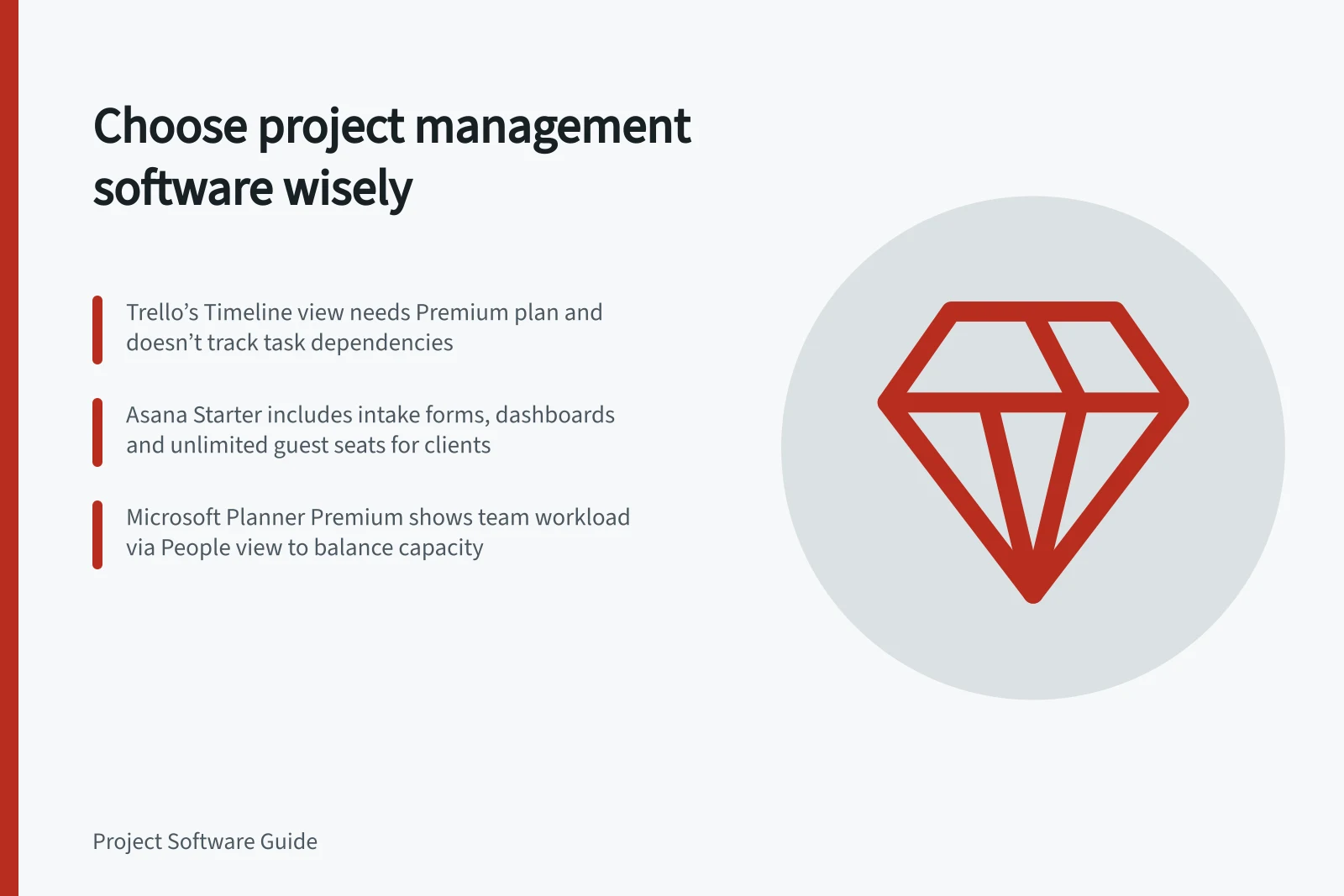
Trello says it has no built-in task dependency management. Linked cards and checklists can represent prerequisites, and automation can move cards when configured conditions are met. If a delay must update dependent dates, check that requirement directly; the Timeline view does not establish it.
Asana — project tracking for small teams. Asana Personal includes list, board and calendar views for up to two users. Starter adds Timeline and Gantt views. Advanced is positioned for growing teams that need to plan team capacity. Check which tier contains each required view and whether its capacity-planning features fit the way your organisation needs to plan.
Microsoft Planner — boards and premium scheduling. Basic and Premium plans both provide grid, board and charts views. Microsoft lists Timeline, task dependencies, People view and critical path as Premium features. Some access also depends on each user’s subscription. Check both the plan type and the licences of the people who must use those features.
When testing Trello’s Timeline, try adding start and end dates to a card and changing the time scale between day, week, month, quarter and year. Grouping by member can help assess whether the view answers a workload question; grouping by list or label offers a different perspective on the work. Timeline access is limited to board members, so test it with the people who need to use it.
Check the fit beyond the feature name
Microsoft says applications and workflows built to interact with Basic plans will require modification to work with Premium plans. If existing processes rely on those connections, include that change in your comparison rather than treating the plan upgrade as a feature-only decision.
For teams handling requests or sharing updates with clients, Asana Starter includes intake forms, reporting dashboards and unlimited free guest seats. These capabilities may matter more than portfolio oversight when the main selection question is how requests enter the work system and how external partners follow progress.
Run one comparison exercise
Prepare a realistic sample project with several owners, an approval and a handover between tasks. Ask each provider to show how a contributor updates the work and how a project lead sees the effect. Move a date, change an owner and invite someone with limited access. Record what the product displays, what needs manual upkeep, and which plan and permissions were used.
Use a short decision sheet for each essential requirement, its demonstration result, any workaround and the plan needed. Add a current quote for the intended roles and licences. Review the result with the people who will maintain the data: reporting will only stay useful if they can keep it current.
For Microsoft Planner, Premium’s People view can show where team members may be over- or under-allocated and help identify opportunities for workload balancing.
In this guide
- Defining project requirements before comparing platformsBuild a testable project software brief from real work, user needs, permissions and demonstration criteria before comparing vendors.
- Task boards versus full project management systemsDecide when a task board is enough and when your team needs dependencies, resource views or project-level planning.
- Matching project software to a team's planning methodCheck whether project software supports phased, iterative, continuous or mixed planning and keeps plan changes clear.