Client Delivery
Part of Project automation features
Automating task handoffs without duplicate assignments
Set one handoff trigger, clarify assignee changes and check other rules so review work has one next owner and no duplicate task.
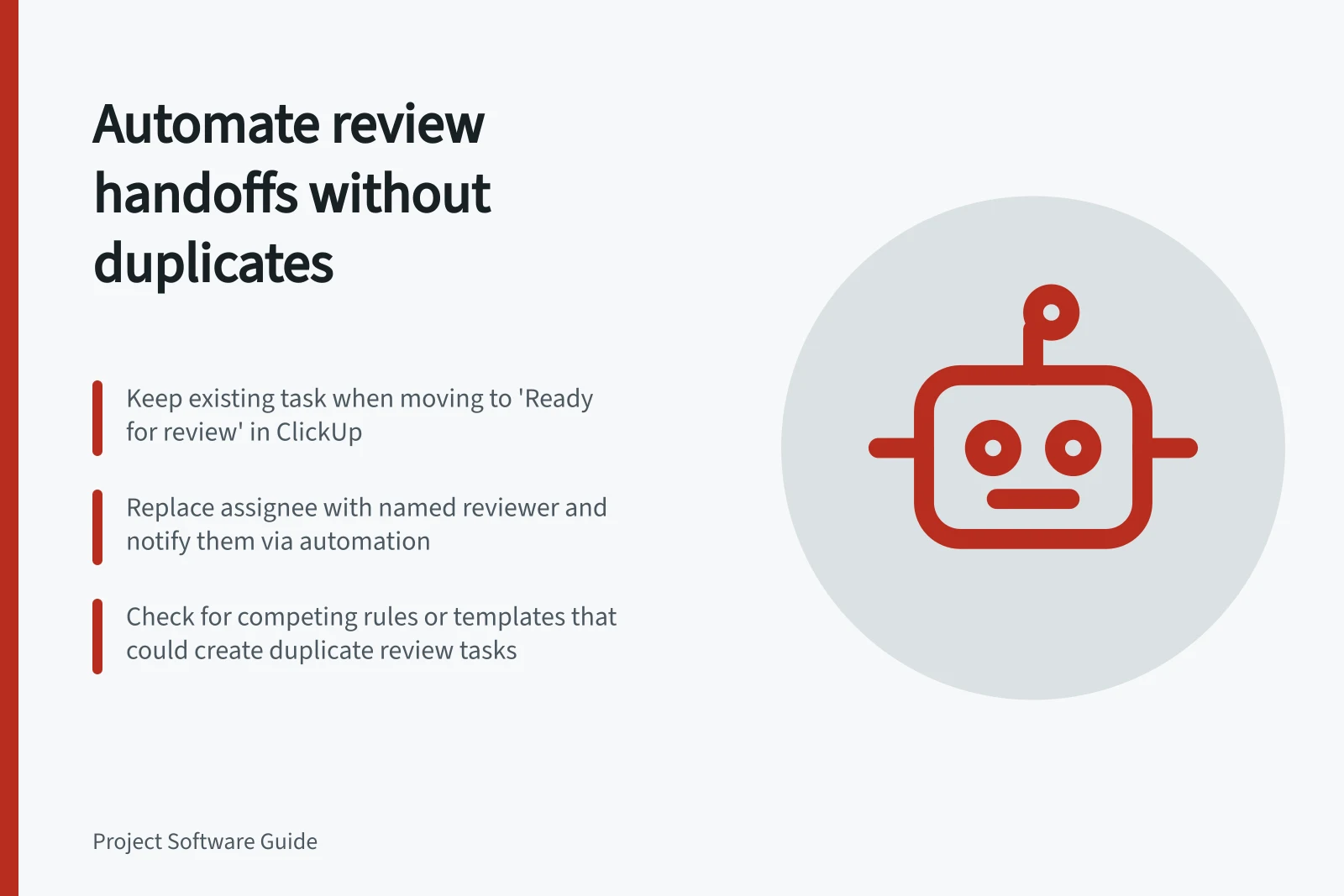
For a review handoff, keep the existing task, move it to “Ready for review”, replace the contributor with the named reviewer as assignee, and notify them. Do not add a task-creation action; check other rules and templates for competing ways to create the same review task.
Define the transfer
Keep the existing task when review is the next stage of the same deliverable. The contributor attaches the agreed version and moves the task to “Ready for review”; the reviewer takes the next action.
Create a linked review task only when it needs its own acceptance record, schedule or owner. Give any new review task one creation path, and check related rules, templates and recurring settings for another path that could create the same “Review design” task.
Decide whether the contributor remains an assignee, becomes a follower or is removed. For a single-owner handoff, replace the contributor with the named reviewer so the next-step owner is clear.
Guard the rule
Configure a ClickUp Automation to trigger when the task moves to “Ready for review”. Set its actions to replace the current assignee with the named reviewer and notify them; do not include an action that creates a task.
Before the move, have the contributor name the reviewer on the task. If no reviewer is named, leave responsibility with the contributor until the exception is resolved rather than sending the task into review.
Test the rule on a task and inspect its assignees. If the assignment action does not replace the current assignee, keep assignment manual rather than risk adding another assignee.
Keep the submitted version, receiving person, next action and handoff time visible on the task. A notification does not establish that the reviewer accepted the work, so agree how they acknowledge or return it.
Check repeat and exception paths
Test a normal submission, a missing reviewer, a second move into review and a revision returned to the contributor. After each test, inspect the assignees and check whether any new tasks were created.
On a second move into review, check that the assignment action still leaves only the intended reviewer assigned. Because the rule has no task-creation action, it will not create a duplicate task through that action; check other rules and templates for competing creation paths.
Inspect relevant tasks for another record of the same review. Keep one task as the handoff record, correct its assignee and stop any competing rule, template or recurring setting from creating the same task again; retain a separate task only when it has its own acceptance record, schedule or owner.
Name the rule owner and how they will correct a mistaken assignment. Check early handoffs for competing tasks or work without a clear next owner.
Testing Scenarios for Handoff Automation
- Normal submission with named reviewer
- Verify correct assignee change and no duplicate task created.
- Missing reviewer name
- Ensure task remains with contributor until resolved.
- Second move into review
- Check that only one reviewer remains assigned; no new task created.
- Revision returned to contributor
- Confirm assignee reverts correctly and no unintended assignments occur.