Client Delivery
Part of Project automation features
Reviewing recurring tasks that create unnecessary work
Audit recurring project tasks for duplicate work, stale owners and the wrong cadence, then decide what to keep, change or stop.
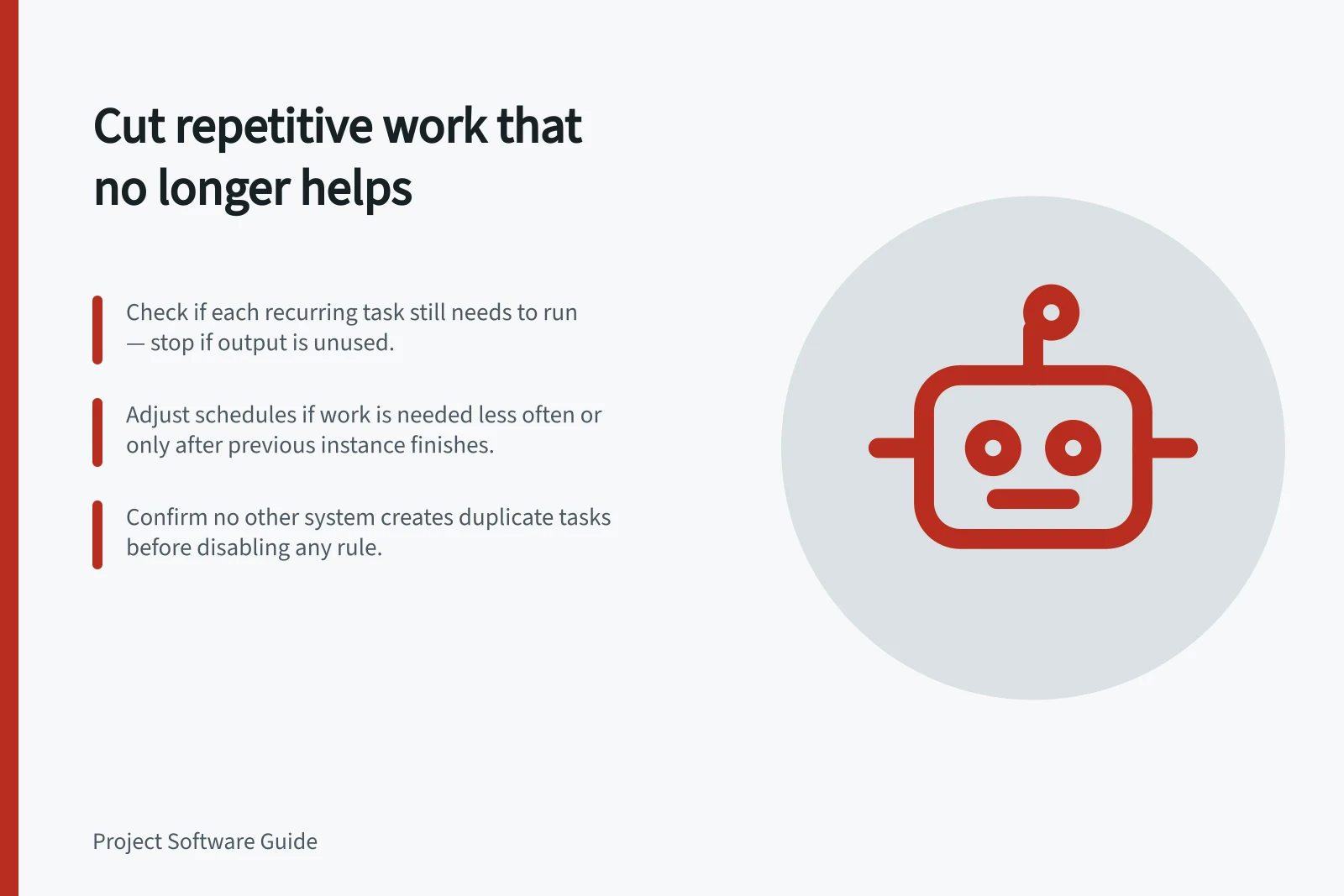
For each recurring task, ask whether every instance still prompts a needed action. Check its purpose, cadence, copied content and owner. If nobody needs the output, stop the recurrence. If the work is needed less often, change its schedule and tell the people who rely on it.
Find every creation path
List the team's recurring task settings and scheduled rules. For each, record what it creates, who receives it, why it exists, when it runs and what would end it. Reviewing only one mechanism may leave another creating similar work.
Inspect recent instances for tasks closed without meaningful work, duplicate requests and copied assignees, dates or checklists that are now wrong. Ask the recipient whether the work moved elsewhere before removing it. Low activity can also mean ownership was unclear.
Decide what to keep, change or stop
Finding / Decision to consider
- Output still needed at the same interval
- Keep it and correct stale copied fields.
- Output needed, but less or more often
- Change the cadence or trigger.
- New work needed only after the last instance finishes
- Consider completion-based recurrence.
- Two mechanisms create the same work
- Choose one creation path.
- Output no longer used
- Stop recurrence and resolve open instances deliberately.
Record why a schedule changed, so a later team does not restart obsolete work without context.
Product settings affect what “repeat” means.
Review ownership when roles change.
Stop work without losing an obligation
Before turning off a rule, check whether it is the only prompt for a required review or handover. Identify open instances and decide whether each should finish, move to another owner or close with a reason.
Disable the old creation path and check the next expected cycle for another instance. If a replacement schedule is needed, name its owner and review point.