Portfolio View
Part of Choosing project management software
Defining project requirements before comparing platforms
Build a testable project software brief from real work, user needs, permissions and demonstration criteria before comparing vendors.
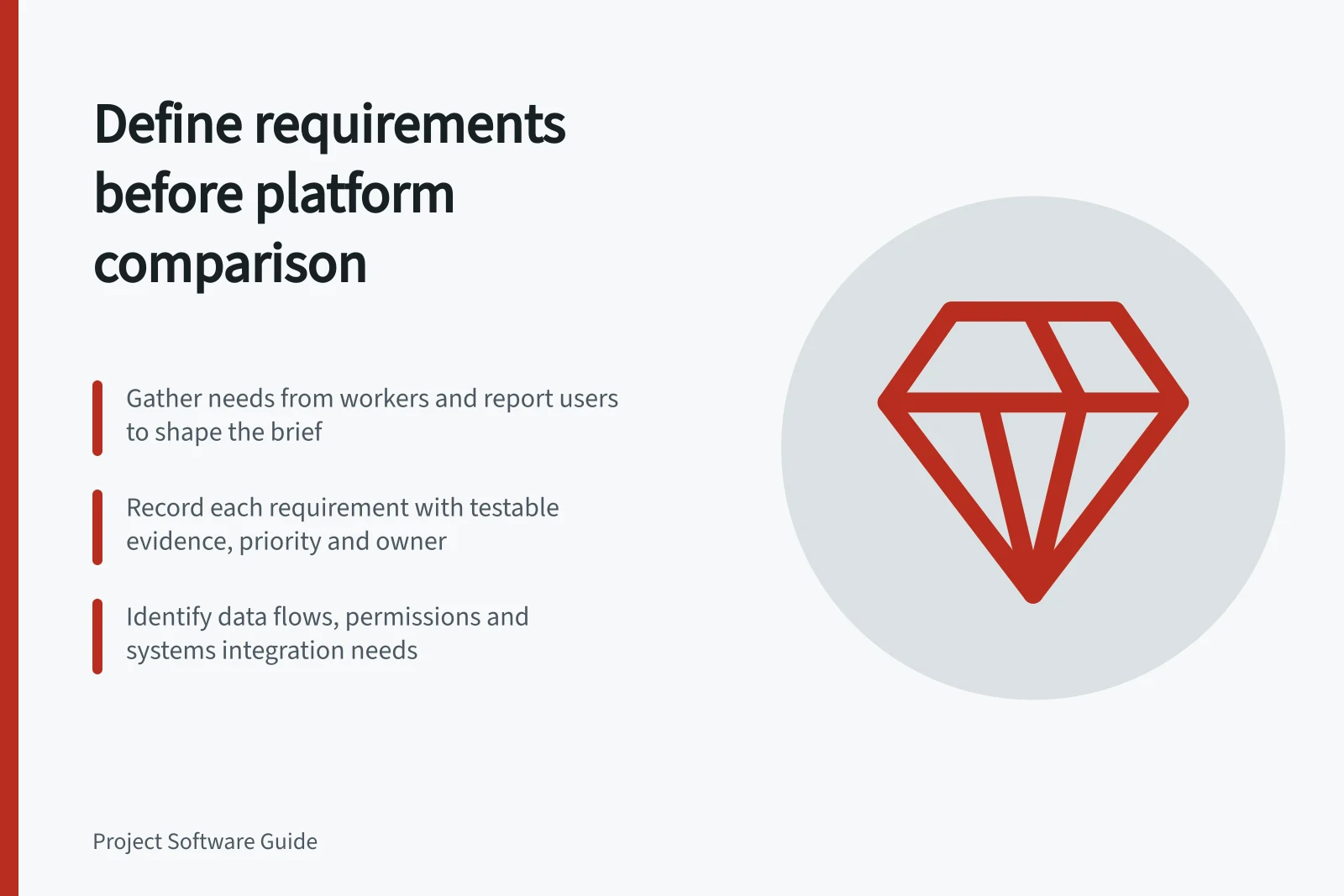
Before comparing project platforms, write a short brief: what the software must help people do, and how you will check it. Gather needs from people doing the work and from report users. The brief should guide demonstrations, not list attractive features.
Find where the current process breaks
Review a few recent projects with a contributor, a project lead and a report recipient. Ask each to show how a project was planned, updated and reviewed. Note where someone had to ask privately who owned a task, reconcile two dates, or reconstruct why a deliverable changed. Record the difficult decision and the information missing at the time.
A complaint is not always a feature request. “We need a dashboard” may mean that a sponsor cannot distinguish work finished by the team from work accepted by a client. Write the underlying need first. Then decide what a candidate platform must demonstrate.
Make each requirement testable
Use one row per requirement. A compact register can contain these fields:
Field / What to record
- User and situation
- Who needs the information, and when?
- Required action
- What must that person see or do?
- Demonstration evidence
- What would show the requirement is met?
- Priority
- Is it essential, important or optional for this purchase?
- Constraint
- Which roles, permissions, existing systems or plan limits matter?
- Owner
- Who will judge the demonstration?
A hypothetical design team might write a requirement: when a draft is submitted, the account manager must identify the version awaiting client review, the reviewer and the next action. A demonstration could add a revision after the first review. It should then show whether the earlier decision still applies. That gives reviewers more to assess than the phrase “approval workflow”.
Translate vague terms into observable tasks. For “easy to use”, ask a new contributor to find their assigned work and update its status unaided. Your team decides what effort is acceptable; there is no universal time threshold.
Record people, permissions and data flows
List who maintains the plan, who only reads it and which clients or suppliers must act. Identify systems that supply or receive project information. If timesheets, a calendar or a service desk hold part of the record, specify the owning system for each field and what must move between them. An integration name on a marketing page does not prove the necessary data moves in the right direction.
Record buyer-specific constraints before a demonstration: required access levels, approval authority, concurrent projects, restricted data and export needs. Do not assume that a feature is usable by every role or included in every plan.
Resolve disagreements before comparing products
A contributor may want fewer required fields while a sponsor wants detailed reports. Ask which decision each field supports and who can keep it current. Leave an unresolved request visible instead of assigning it an arbitrary score. Separate requirements for this purchase from possible later improvements.
Review the brief with its named users and correct anything that misrepresents their work. Confirm which requirements are essential. Give shortlisted providers the same scenarios, then record the plan, permissions, manual steps and gaps shown in each demonstration. If an essential requirement cannot be demonstrated, make that clear even if the product has appealing extras.
Keep the brief short enough to use during a demonstration and specific enough that reviewers can explain their decisions.