Client Delivery
Project reporting and delivery metrics
Build project reports that distinguish accepted deliverables, later outcomes, baseline dates, forecasts and blockers.
A useful project report shows what has been accepted, how delivery compares with the agreed plan, what may delay the next result, and which decisions are needed. Define each measure before adding it to a dashboard.
Report for a decision
A delivery team needs detail to remove impediments. A sponsor needs to understand the effect on scope, dates or the expected result. Both need the same underlying facts, even if their views differ. A traffic-light label needs an explanation beside it.
| View | Question | Context to include |
|---|---|---|
| Accepted deliverables | What has been handed over and accepted? | Acceptance rule, date and evidence |
| Dates | What was agreed, what happened and what is expected? | Baseline, actual or forecast, and reporting date |
| Blocked work | What cannot proceed? | Affected deliverable, owner and next action |
| Changes and decisions | What has altered the plan? | Approved change or decision still needed |
Keep these states distinct. A finished task is not necessarily an accepted deliverable. A forecast is not an actual finish. A proposed change is not an approved baseline.
Project Delivery Phases and Key Decision Points
- Agreed Baseline
- Initial project plan approved by stakeholders.
- Actual Start / Finish
- Dates when activities were actually started or completed.
- Forecast Completion
- Expected completion date based on current progress.
- Acceptance Decision
- Formal approval of deliverables; recorded in governance log.
Count delivery and later results separately
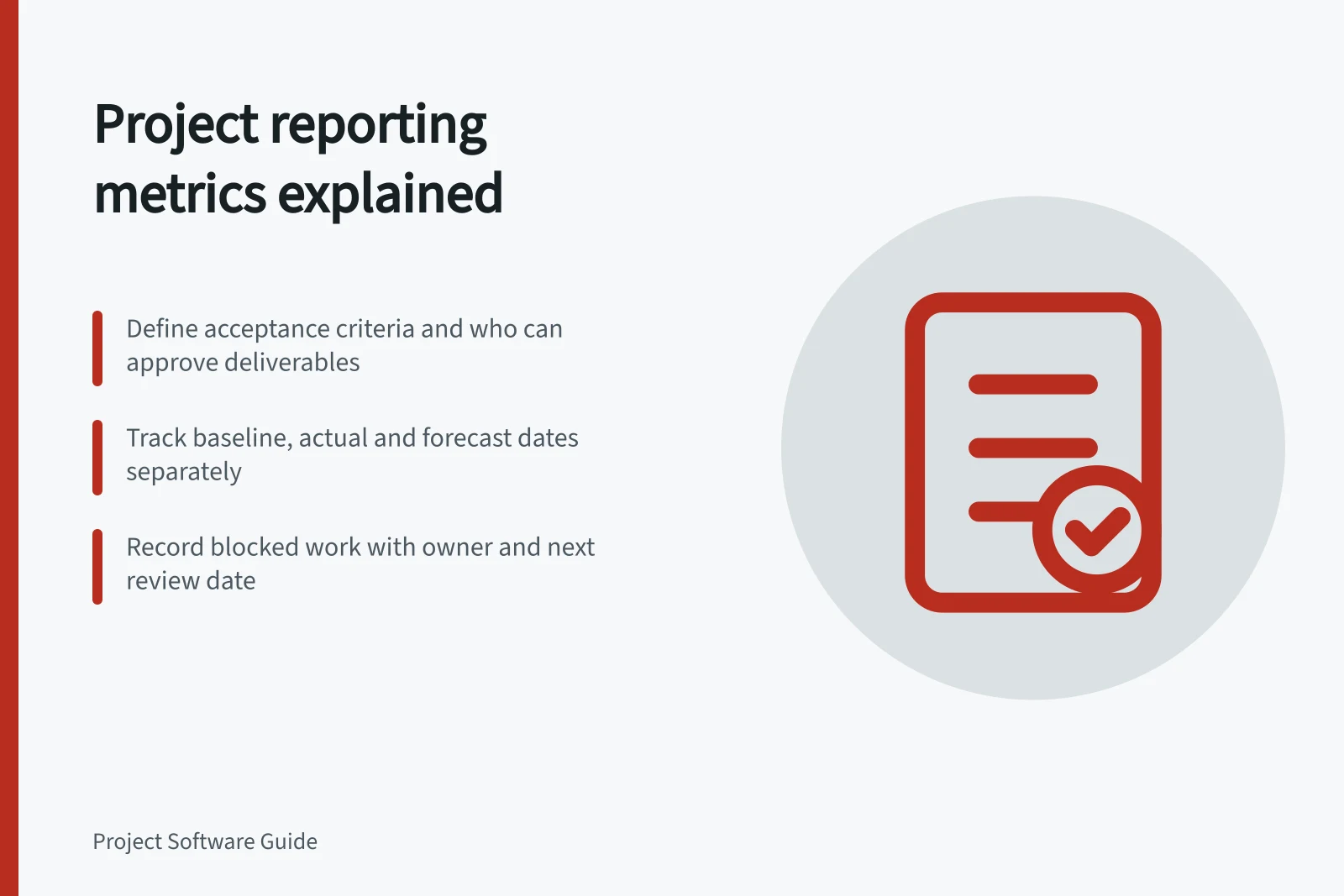
For each deliverable, record what acceptance requires, who can accept it and where the decision is recorded. If the team has finished its work but acceptance is pending, say so.
An outcome is the change that follows use of an output; a benefit is a measurable positive effect. Neither follows automatically from a completed task or an accepted handover. Record when and by whom later results will be assessed.
Compare dates against an identified baseline
Keep the original baseline, current forecast and actual finish as separate fields.
Make blockers actionable
Define when work enters the blocked count. Record the affected deliverable, when the block began, who can remove it and the next review point. Show shared causes and likely delivery effects alongside the total: several items may depend on one decision, while a blocked item may have no effect on the final date.
Essential Elements for an Actionable Blocker Report
- Affected DeliverableSpecific output blocked
- Block Start DateWhen the block was first identified
- Owner ResponsiblePerson or team able to resolve the block
- Next Review PointDate for reassessment of blocker status
Use a shared measurement vocabulary
The Association for Project Management (APM) defines acceptance as the formal process of accepting delivery of a deliverable or product. Its glossary defines acceptance criteria as the requirements and essential conditions that must be achieved before acceptance.
APM defines an activity as a task, job, operation or process that consumes time and possibly other resources, or as the smallest self-contained unit of work in a project. Its definition of activity status is the state of completion of an activity. These terms describe work at a different level from acceptance of a deliverable, so label the reporting unit rather than treating the measures as interchangeable.
APM defines actual progress as a measure of work completed in comparison with the baseline. That definition identifies both what the measure concerns—completed work—and the reference against which it is assessed. If a report uses the term, state whether the reported figure is activity-level progress or progress against another explicitly defined unit.
APM defines actual dates as the dates on which activities started and finished, as opposed to planned or forecast dates. It separately defines actual start and actual finish as the dates an activity was started and completed.
An activity ID is a unique code identifying an activity, according to APM. Where activity-level measures appear in a report, that definition offers a precise way to identify which activity a record refers to. Keep the code’s role distinct from the status or progress value being reported.
Key Project Reporting Metrics: Definitions and Distinctions
- ActivitySmallest self-contained unit of work; consumes time and resources.
- AcceptanceFormal process of accepting delivery of a deliverable or product.
- Actual ProgressWork completed compared to baseline; must specify whether activity-level or deliverable-level.
- BaselineOriginal project plan with reference points for start dates, finish dates, durations, work, and cost estimates.
Describe what a baseline contains
A baseline can refer to more than schedule dates. Microsoft Support describes a baseline as a group of primary reference points in five categories: start dates, finish dates, durations, work and cost estimates.
Microsoft Support says a baseline records the original project plan when that plan is completed and refined. It should include the best estimates for task duration, start and finish dates, costs and other project variables the team wants to monitor.
A baseline may also represent a contractual obligation, according to Microsoft Support. Avoid presenting a planning reference and a contractual obligation as equivalent when the report’s baseline serves only one of them.
Microsoft Support describes nearly 20 primary baseline reference points across the five categories. It also says Project can hold additional baselines, up to a total of 11 for each project, and gives separate phase baselines as one example. If a report draws on more than one baseline, name the particular reference used for each measure so the figures retain a clear meaning.
Baseline Components and Reference Points
- Start Dates
- Original planned start dates for tasks
- Finish Dates
- Original planned end dates for tasks
- Durations
- Planned task durations
- Work Estimates
- Planned effort (e.g., person-hours)
- Cost Estimates
- Planned budget for tasks
Keep the figures explainable
Record the data source, included projects, status mapping, cut-off time, calculation and owner for each measure. Retain that definition with distributed snapshots. Before relying on a summary, compare a few underlying records with the figures, including an accepted deliverable, an open item and a changed date. Close the report with the decisions needed, their owners and the dates by which they affect delivery.
Steps to Maintain an Explainable Project Report
- Define Data SourceSpecify system or manual input method used
- Identify Included ProjectsList all projects contributing to the report
- Document Status MappingExplain how statuses like 'In Progress' are defined
- Set Cut-off TimeTime at which data is frozen for reporting
- Clarify Calculation MethodDetail formula or logic used for metrics
- Assign Report OwnerPerson responsible for accuracy and updates
In this guide
- Reporting completed outcomes rather than task activitySeparate task activity, accepted deliverables and observed outcomes so a project report claims only what its evidence supports.
- Comparing planned and actual delivery datesCompare baseline, forecast and actual delivery dates using the same completion rule, and identify which baseline a variance uses.
- Monitoring blocked work across projectsBuild a cross-project blocker view with consistent definitions, affected deliverables, owners, next actions and date effects.
- Exporting project reports without losing their definitionsKeep filters, fields, reporting dates and metric rules with exported project reports so readers can interpret and compare them.