Client Delivery
Part of Project reporting and delivery metrics
Monitoring blocked work across projects
Build a cross-project blocker view with consistent definitions, affected deliverables, owners, next actions and date effects.
Monitor blocked work as a queue of current delivery impediments, each with an owner and next action. A combined count can show workload; on its own it cannot show delivery impact. One unresolved decision may hold up several projects.
Define what counts as blocked
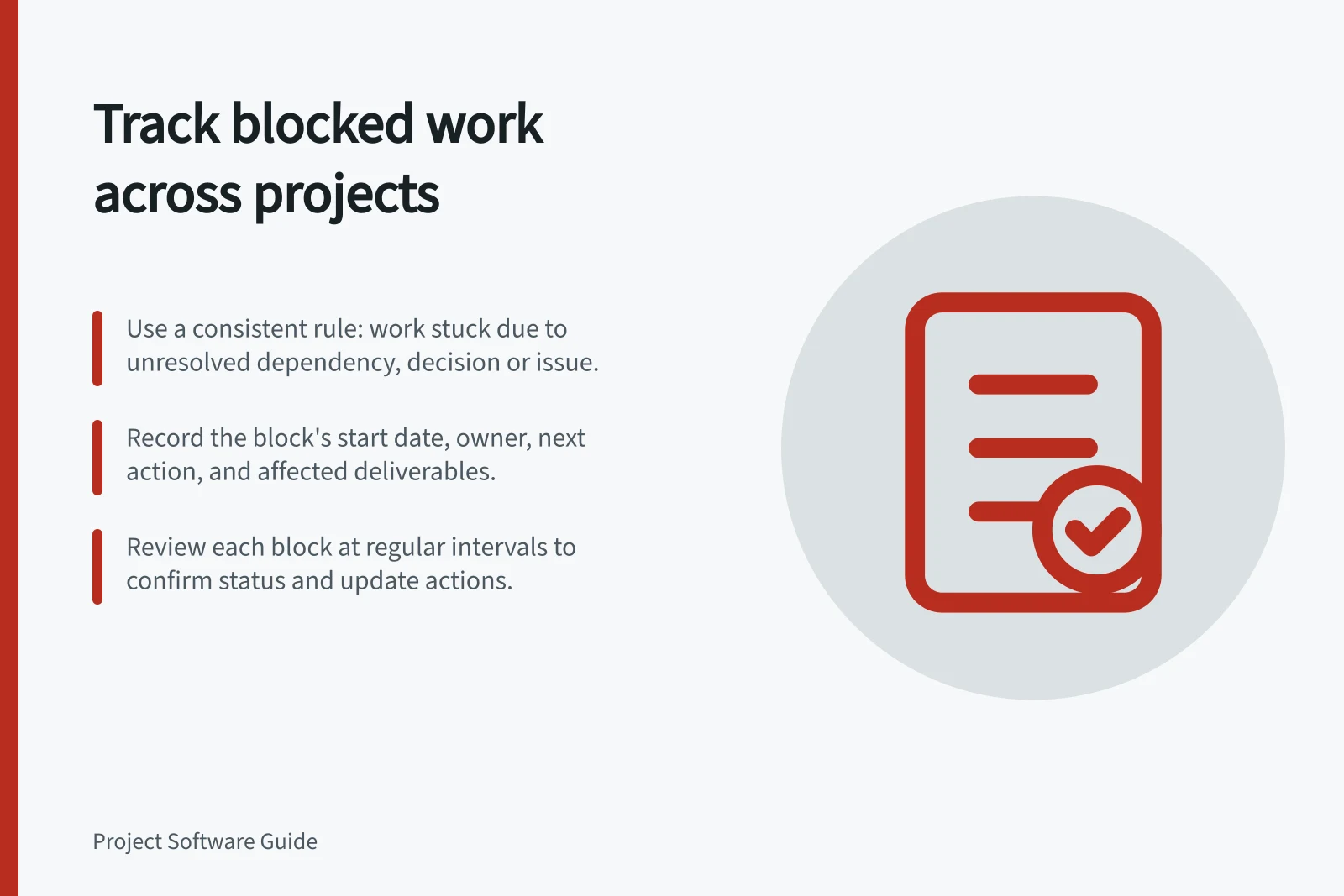
Use one rule every project can apply. A practical definition: work that cannot take its next planned step because a specific dependency, decision or present problem remains unresolved. Record the reason and when the block began. A future risk or a low-priority item enters the blocked count only if it meets that rule.
For each item, capture the affected project and deliverable, the work owner, the person able to remove the block, and the next review point. Where several tasks depend on one decision, connect them to the shared cause, so the report does not imply several unrelated problems.
Defining and Tracking Blocked Work Across Projects
- Apply one consistent rule across all projectsWork cannot proceed due to unresolved dependency, decision, or issue
- Capture key details for each blocked itemProject, deliverable, work owner, block remover, next review point
- Link dependent tasks to shared causeAvoid double-counting or misrepresenting multiple issues
Show age with consequence
Signal / Question to answer
- Time blocked
- Has the item passed its agreed review point?
- Affected deliverables
- What cannot advance?
- Next action and owner
- Who can remove or work around the block?
- Date effect
- Has a forecast changed, or is the effect still uncertain?
Choose escalation points to suit the team's reporting rhythm. Age alone is not severity: a new block on an imminent milestone may be urgent, while an older item may have a safe alternative path. State the expected delivery effect beside the age.
Key Metrics for Monitoring Blocked Work
- Time Blocked
- Has the item passed its agreed review point?
- Affected Deliverables
- What cannot advance?
- Next Action and Owner
- Who can remove or work around the block?
- Date Effect
- Has a forecast changed, or is the effect still uncertain?
Check what the tool counts
In Jira Cloud, a flag can mean a work item is important or blocked, and the Flagged field can be queried. A raw count of flags needs a local usage rule before it works as a blocker measure. Jira also offers “is blocked by” links, but an administrator can change the available link types. A dependency link and a flag do not automatically represent the same reporting condition.
Where projects use different tools, map their fields to one written blocker definition before combining totals. Mark missing start dates or shared-cause information as gaps rather than inventing an age or treating an empty field as proof that nothing is blocked.
At each review, confirm whether the block remains, update its owner and next action, and record the decision or workaround. Remove the current blocker indicator once work can proceed, while retaining the history needed to explain changes in later reports.