Portfolio View
Project software integrations
Plan project software integrations around clear data ownership, useful handovers and field-level limits for code, support and calendar workflows.
A useful integration makes a handover visible without leaving people to guess which record is current. Start with the action the receiving team must take. Then decide which system owns the record, what information must cross over and who repairs a failed exchange.
Treat the integration as a record contract: name the systems, record owners, fields exchanged, access owner and repair owner. Evaluate only the information needed for the handover, then test whether the chosen connection makes that information visible and dependable.
Map the handover
Separate visibility from editing. A pull request shown beside a project task is still reviewed in the repository. A meeting shown in a project calendar does not become the task deadline.
| Handover | Decide first | Check in the proposed setup |
|---|---|---|
| Code to project work | Which task identifies the work? | How repository activity attaches to it and who can see it |
| Support to backlog | When does a ticket warrant planned work? | Whether existing work can be found and linked, and what context is shared |
| Project dates to calendar | Is the entry a deadline or a time reservation? | What changes when someone moves the calendar event |
| Shared fields | Which system owns each value? | Direction, compatible fields, failures and repair |
Named pairs to evaluate include Jira Cloud–GitHub, Zendesk–Jira for field synchronisation, ClickUp–GitHub, and ClickUp–Google Calendar; ClickUp also has an iCal calendar-sync option. Treat these as candidates, then verify the exact data, direction, access and failure behaviour for the connection you intend to use.
Where a product's own integration app does not cover the handover, options to assess include Zapier, Make, n8n, Workato and Microsoft Power Automate. Check that the chosen platform connects both systems and supports the required actions and fields; do not assume compatibility from a product name alone.
Confirm the product, connection type, permissions and plan intended for the team. Ask whether that plan includes the required connection and access, and note any applicable usage or cost limits.
Ask who authorises the connection, which account it uses, what permissions it receives and what authentication method it requires. Record the answers and any usage limits rather than assuming they are the same across products.
Choose the information that needs to move
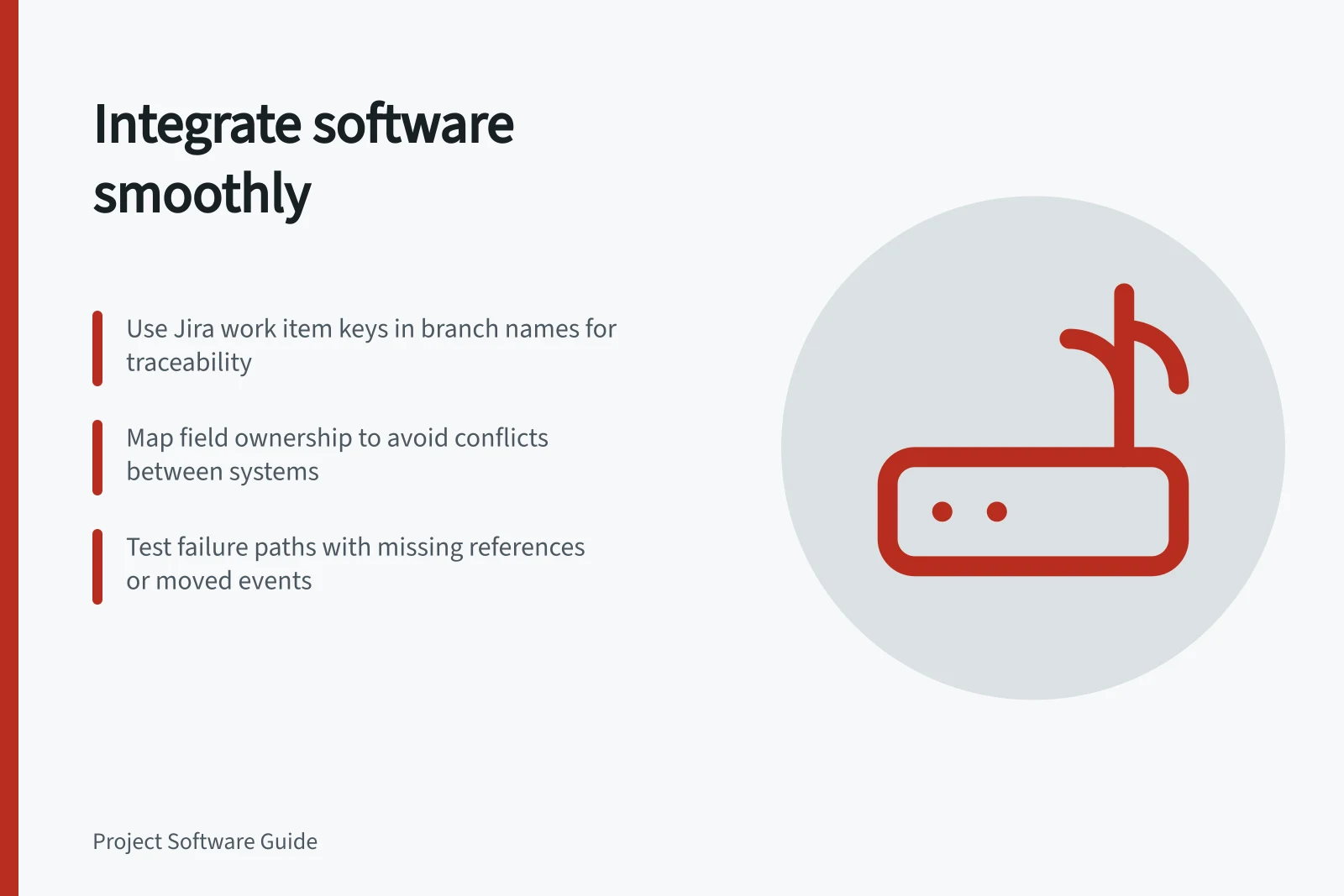
For code work, a stable task reference can connect repository activity to the project item. Jira Cloud links GitHub branches, commits and pull requests when they contain a Jira work item key.
For a GitHub connection, check how repository activity is associated with project work, which account or workspace setup is required, and who can access it. A linked pull request gives traceability, not proof of review or release.
For support, keep the customer conversation in the support ticket and make a separate backlog decision. Zendesk–Jira is a named candidate for ticket-field synchronisation, but check which fields actually cross over and whether comments or custom fields are included.
Check whether related customer reports should be grouped or linked, rather than assuming every customer ticket needs a separate project item.
For calendars, decide whether people need to see task dates or reserve time. ClickUp–Google Calendar and ClickUp's iCal calendar sync are named options to assess. Verify which events and task dates are displayed, whether changes sync back, and which system remains the source of truth. Test moving an event and changing a task date separately, then confirm what changes in each system.
Give each field an owner
A workable starting rule is to keep task status and deadline in project software, code review state in the repository, customer correspondence in the support desk and meeting time in the calendar. Record exceptions field by field. If users can edit a value in both places, establish how conflicting updates are detected and resolved.
For a support-to-project field mapping, confirm which direction updates travel, whether a field can be edited in both systems, what field compatibility is required, and where failed updates are reported. Test those conditions before relying on the mapping.
Before customer data crosses over, confirm the organisation's privacy requirements, permitted recipients and necessary ticket context. A field map does not, by itself, establish that the transfer meets those requirements.
Use a consistent repository reference
Choose a Jira work item key and include it in the branch name, commit message or pull request title so development activity can be associated with the work. Atlassian’s documented format uses DEV-2095 in a branch name such as DEV-2095-feature-name or a commit message such as DEV-2095 summary of change. Use the same key for the same work item across the repository activity.
If the team uses GitHub Actions, a deployment is linked to a Jira work item when a commit associated with that deployment contains the work item key. Check the Jira work item, board and relevant Releases or Deployments views to confirm which linked activity people need to see. The Code tab shows linked pull requests from the last 30 days.
Reconcile repository activity with project status
Add a repository check to the failure review: look for work items marked Done that still have open pull requests. Jira Query Language can search for work items with commits, pull requests, builds or deployments, helping the team compare project status with linked development activity.
If considering status changes triggered by repository activity, confirm which activity should trigger a transition and how the team will review the result. Jira automations can transition work items when activity happens in GitHub repositories; one documented example moves work to In Progress when repository activity occurs.
Check the failure path
In a proposed demonstration, use a pull request with a missing task reference, a support report that matches existing work and a moved calendar event beside an unchanged task deadline. Ask where each mismatch appears, who can see it and who corrects it. Use ordinary user permissions.
Ask the demonstrator to show the connector settings and any sync or error history available for the chosen products. Confirm whether a failed item can be retried or needs manual correction, then record the actual repair route and its owner.
Record the connector owner, connected accounts, data exchanged and repair route. Revisit those choices when the workflow or access rules change.
In this guide
- One-way and two-way project data integrations by fieldCompare one-way and two-way project data integrations by field ownership, editing rights, conflict handling and documented product limits.