Platform Switching
Part of Project software integrations
One-way and two-way project data integrations by field
Compare one-way and two-way project data integrations by field ownership, editing rights, conflict handling and documented product limits.
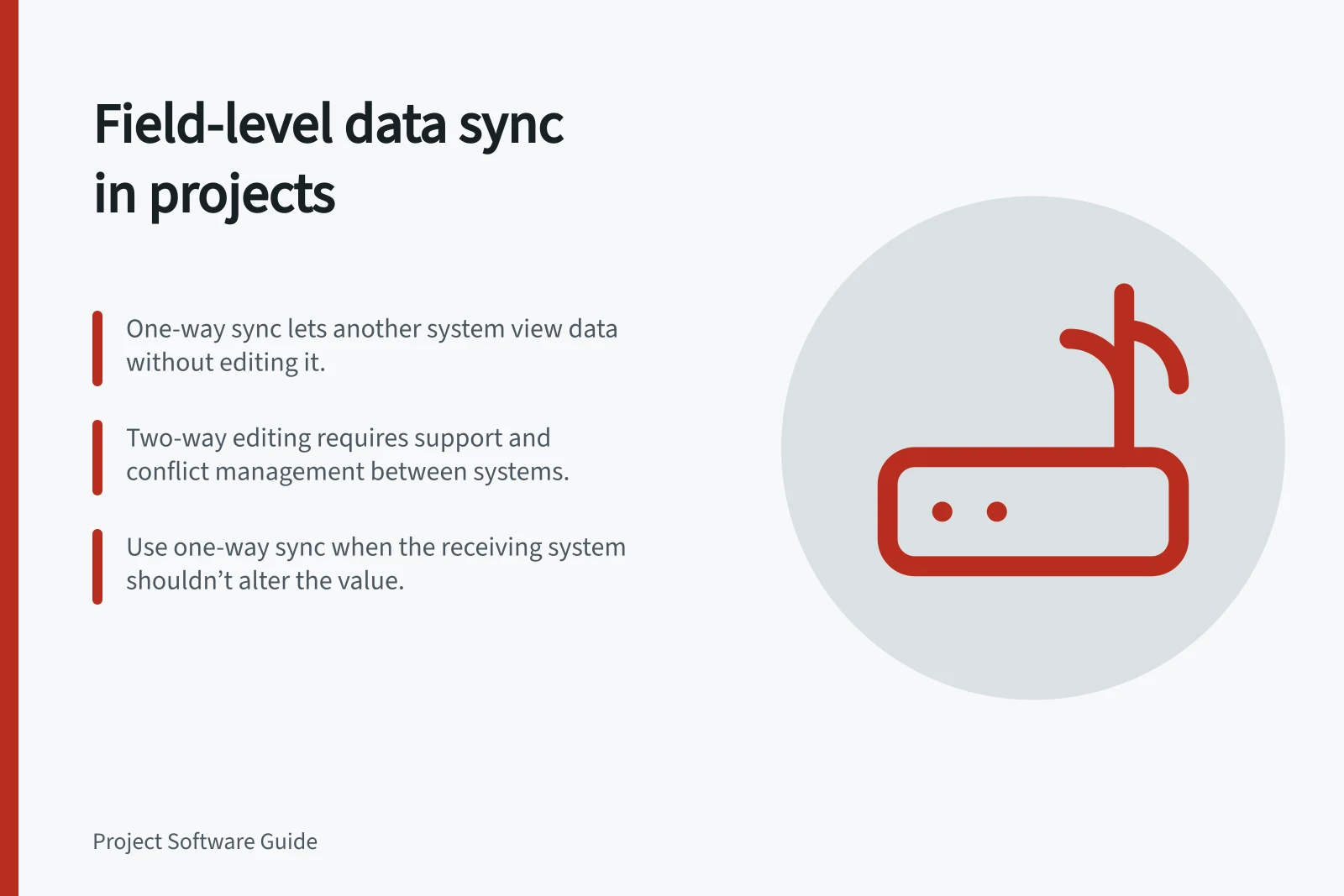
Choose direction field by field. One-way exchange gives another system visibility while the owner remains the editor; two-way editing lets both sides change a mapped value, if the integration supports it and the team can manage conflicts. A connector may send different information in opposite directions without enabling both sides to edit the same field.
Start with the receiving decision
A project lead may need to see a pull request’s state without changing it. Support may need to see backlog progress while keeping the customer ticket separate. A calendar user may need to see a task deadline without gaining another way to revise it. Visibility or a linked record may meet those needs without copying and synchronising fields.
A small field register can make the choice explicit:
| Value or record | Suggested owner | Other system’s use | Direction to consider |
|---|---|---|---|
| Task deadline | Project system | Calendar display | Project to calendar |
| Meeting time | Calendar | Planning visibility | Calendar to project view |
| Customer reply | Support desk | Selected project context | Support to project |
| Pull request state | Repository | Development visibility | Repository to project |
Record who may approve an exception.
Field Integration Guidance by Use Case
- Task deadline
- Project to calendar
- Meeting time
- Calendar to project view
- Customer reply
- Support to project
- Pull request state
- Repository to project
Check what “two-way” covers
ClickUp’s Calendar view supports dragging tasks into time slots, and its Google Calendar sync is described as two-way. However, Google Calendar changes do not update the related ClickUp task. Treat this as exchange across separate records, not proof that a task deadline can be edited in Google Calendar.
For Zendesk–Jira, a field-sync label does not identify which system owns an individual value or establish that reverse edits are supported. Assign an owner for each mapped field. Send it one way when the other system only needs visibility; allow two-way editing only when the mapping supports it in both directions.
Compare the work of maintaining each choice
| Question | One-way exchange | Two-way editing of a value |
|---|---|---|
| Who changes the authoritative value? | A designated source system | Users in both systems, if the product supports it |
| What can go wrong? | Missing, delayed or duplicated copies | Those problems plus conflicting edits and mapping rules |
| When is it useful? | Another team needs visibility or a controlled handoff | Both teams need to edit the value and can resolve conflicts |
A remote-record link, a copied field and a notification behave differently. Assess permissions and error ownership for each choice.
Check conflicts before rollout
In a proposed evaluation, create a record, change a mapped field in its owner system and try an edit in the other system. Repeat with an invalid value and a closed record. Inspect which updates arrive, which are rejected and where errors appear.
If both sides may edit the same value, also test a delayed update after a newer one. Record the observed rule in the intended product and configuration.
Use one-way visibility when the receiving system has no reason to alter the value. Use two-way editing only when the exact mapping supports it and the people responsible can explain what happens after simultaneous or failed changes.