Client Delivery
Part of Project software implementation
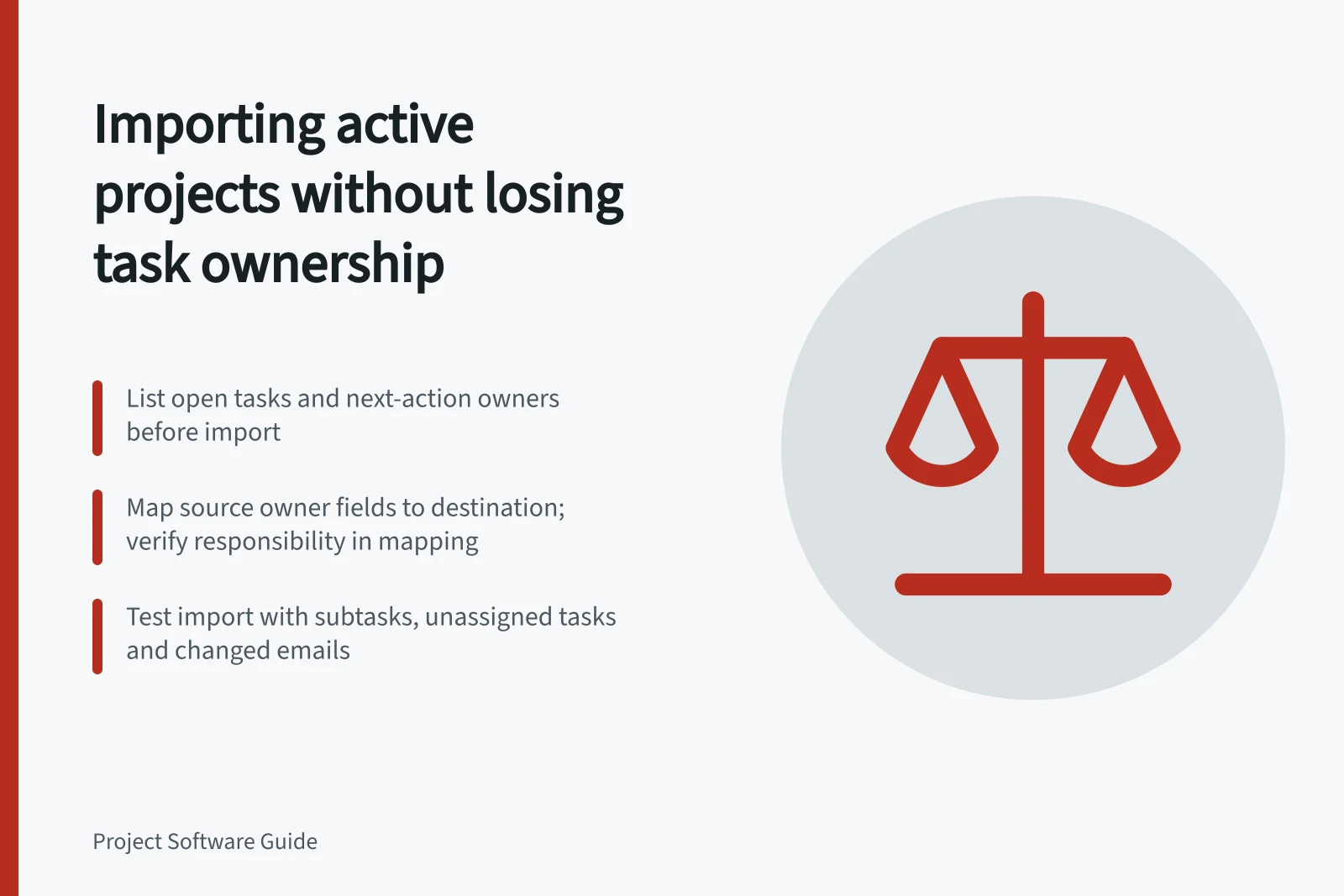
Importing active projects without losing task ownership
Map task owners before import, test awkward records, reconcile exceptions and set a clear cutover for live project work.
Before importing an active project, list its open tasks and the person responsible for each next action. Resolve identity mismatches, test a sample and compare the destination with the source before contributors switch workspaces. An import success message does not prove that responsibility survived.
Record owners and exceptions
Take a source snapshot at an agreed cut-off. Include each project and task ID, task name, current owner, next action, status, due date or review trigger, and any receiving person. Mark unassigned tasks explicitly. A missing source owner needs a decision from the project lead, not a silent assignment by the importer.
Use work email as a matching clue, then confirm the person and intended access. Email addresses can change, and a shared account may conceal who is responsible. Record the approved destination user beside each source owner. Where several people contribute, identify who is accountable for the next action and how the others will be represented.
Source condition / Decision before import
- Owner matches a destination user
- Confirm identity and access
- Email or role has changed
- Ask the project lead to approve the destination owner
- Owner is absent or unknown
- Keep an exception with a named resolver
- Several people contribute
- Record next-action responsibility and the collaboration arrangement
Source condition vs. decision before import
- Owner matches a destination user
- Confirm identity and access
- Email or role has changed
- Ask the project lead to approve the destination owner
- Owner is absent or unknown
- Keep an exception with a named resolver
- Several people contribute
- Record next-action responsibility and the collaboration arrangement
Check the exact import route
Map fields against the importer being used. Check which source columns can be matched to destination fields, and verify that responsibility is represented in the mapping before proceeding. If the importer cannot carry the owner field, record the approved destination user separately and reconcile it after import. A technically valid import can still omit ownership information.
If a next action depends on context not represented in the mapped fields, carry it over separately and verify it in the destination.
Rehearse and reconcile
Test ordinary and awkward records: a subtask, an unassigned task, a changed email and a task dependent on a comment or file. Review the field mapping, run the sample import and inspect the resulting records using the access intended for their users. Compare owner, next action, status, date and necessary context with the snapshot. Assign each mismatch a resolver.
Compare open-task totals by project and ownership state, then inspect exceptions individually. Equal totals cannot establish that the right people own the tasks. Before repeating a live spreadsheet import, search the destination for records created by an earlier run and reconcile them to avoid unintended duplicates.
Key metrics to validate post-import
- Open tasks by project (source)
- Check against destination
- Tasks assigned to each owner (source)
- Compare with destination
- Unresolved ownership exceptions
- Track until resolved
Set the live handover
Name the last-update time in the old workspace and tell contributors where changes belong during the move. Ask each project lead to reconcile changes since the snapshot and review the destination open-task list. State when contributors should update the new record. Keep the old project accessible under the organisation’s retention rules while ownership or missing-context exceptions remain unresolved.
The move is ready when each active task’s next owner can find it, understand the action and update it.