Scheduling
Part of Choosing project management software
Matching project software to a team's planning method
Check whether project software supports phased, iterative, continuous or mixed planning and keeps plan changes clear.
Match software to how the team chooses work and revises its plan. A team moving through sequenced phases needs different records from one that selects work each sprint or responds continuously to requests. Describe the planning method first, then check whether the tool keeps commitments, changes and results visible.
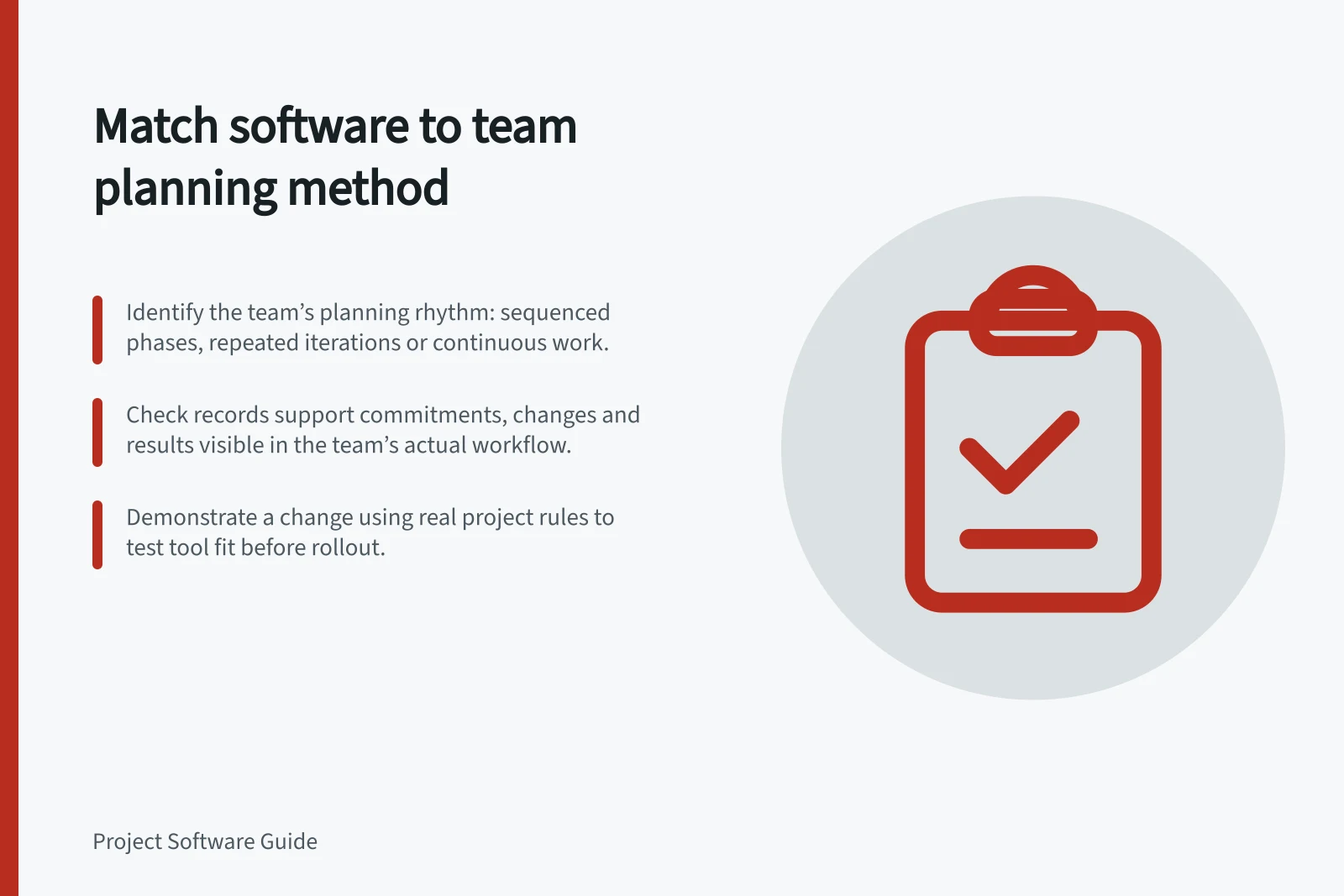
Identify the team’s planning rhythm
Ask when work is selected, how far ahead it can be planned and what triggers a revision. A method name may tell you less than a recent project. Trace an important change: who noticed it, who decided what moved and where the new plan was recorded?
Teams may describe their planning in different ways, such as sequenced phases, repeated cycles or a combination. These are planning distinctions, not software product labels.
A team can use a board in a linear project or a timeline in an iterative one. Check whether the records support the decisions the team actually makes.
| Planning pattern | Decisions the software should make visible |
|---|---|
| Sequenced phases | Agreed reference plan, handovers, milestones and changed forecasts |
| Repeated iterations | Current goal, selected work, unfinished work and feedback for the next cycle |
| Continuous incoming work | Priority, ownership, work in progress and items waiting for action |
| Mixed approach | Which work follows each rhythm and how a change crosses between them |
This is an evaluation map, not a claim that one view proves a method is being practised well.
Check the records each pattern needs
For a phased project, ask where the team keeps the agreed reference plan, who can revise it and whether a new forecast remains distinguishable from that reference. The question is how the team records its commitment and an approved change, not whether it can drag a bar to a new date.
For repeated iterations, check how the team sets a near-term goal, chooses work, shows a completed result and handles unfinished work. If it uses Scrum, check how the Sprint Backlog named in the Scrum Guide is represented and used.
A board labelled “Sprint” does not establish those practices. Ask how the team can inspect both its current goal and changes to the plan.
For continuous incoming work, inspect how the next item is chosen and how much work is already in progress. Columns can show the workflow; a work-in-progress limit can help expose an overloaded stage.
Check whether the chosen product supports the control the team wants, since a visual board alone does not enforce a limit. When an urgent request arrives, the team still decides whether to interrupt, defer or replace work.
A mixed approach needs a clear meeting point between rhythms. A team might explore a design through feedback cycles but require an approved handover before a sequenced deployment phase. Record which decision ends exploration, what version was accepted and which later work changes if that decision slips.
Demonstrate a change in the team’s method
Ask each shortlisted platform to represent a realistic project using the team’s planning rules. Introduce a late approval, changed priority or new feedback item. Have a contributor update the work while a project lead identifies the effect. Record what changed, what remained as history and what required manual explanation.
Choose a configuration that lets the team plan, revise and explain its work in its normal rhythm. If people must maintain conflicting versions of the plan, simplify the configuration or reconsider the fit before rollout.